Can I Keep My POS and Add a Reservation Book App?
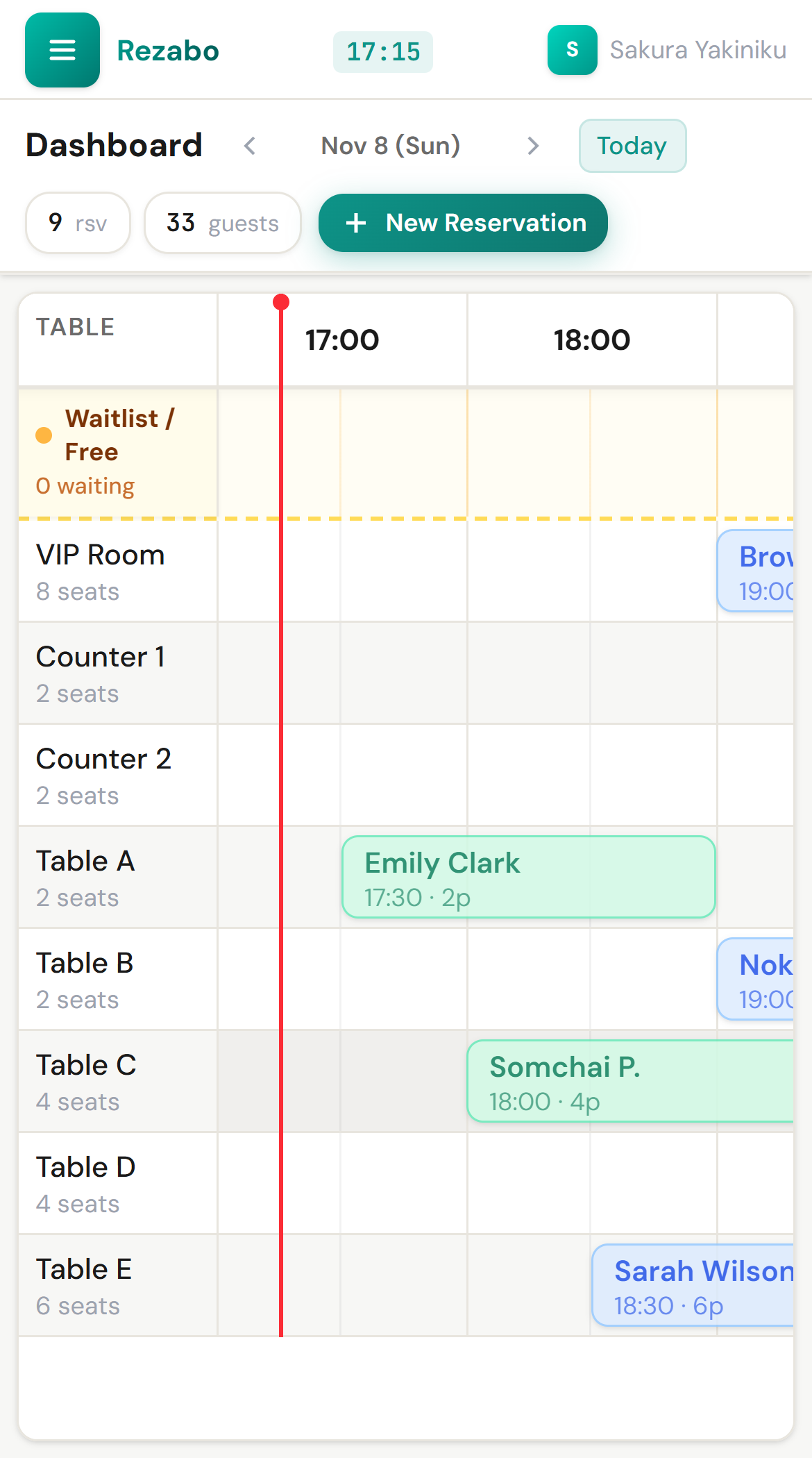
Screens show demo restaurants.
Yes. Rezabo does not connect to POS systems, so your current POS stays as it is. In exchange, booking and payment data do not pass between them automatically.
How the work divides
| Task | Use |
|---|---|
| Enter phone and LINE bookings, see tables and times | Rezabo |
| Read notes on regular guests | Rezabo |
| Orders and payment | Your current POS |
| Sales totals | Your current POS |
It works beside any POS because the two are not connected. You do not need to replace your POS or change its settings.
When using both is enough
- It is fine that bookings and payment run on separate devices
- You do not need guest names passed to the POS automatically
- You do not need bookings tied to each guest’s sales automatically
When you need a link
If you need these, choose a service that connects to a POS. Rezabo will not be enough.
- Passing table and guest details from a booking to the payment screen
- Tying each guest’s sales to their booking history automatically
- Changing table status automatically from payment status
What to watch for
- Finishing payment on the POS does not change the booking in Rezabo.
- Guest details you also keep on the POS are entered in each place.
- Rezabo has no data export, so do not plan on sending its data to another system.
How to try it
Keep your POS and try only the book, free for 1 month, with no card and no automatic charge.
Questions owners ask
Can Rezabo connect to my POS?
No. There is no link. You use them side by side.
Do I need to buy a new POS?
No. Rezabo runs in the browser on a phone, tablet or PC.
Will booking names appear on POS receipts?
Not automatically, because the two are not connected.
What if I change my POS later?
Rezabo is not connected to it, so using the book stays the same.